Get answers, learn best practices, and explore features



.svg)
.svg)
.svg)
.svg)
.svg)
.svg)
.svg)
.svg)
Learn how to use SmartSuite to its full potential.
Don't miss out on our upcoming webinars and workshops! Register now to secure your spot and gain access to valuable insights.

.avif)
.avif)
.avif)
Don't miss out on our upcoming webinars and workshops! Register now !

Get your questions answered live, by a SmartSuite Expert Mon-Fri @ 9:00 AM PT.

Join this live bi-weekly workshop to learn SmartSuite basics, explore key features, and get tips to start building your first workflows.

Join this free, full-day live class to accelerate your SmartSuite setup with expert-led walkthroughs, hands-on demos, and practical implementation tips.
Explore SmartSuite’s complete product catalog—purpose-built products designed to run, connect, and scale workflows across Governance, Risk, Compliance & Resilience, IT Service Delivery, Projects & Portfolios, and Business Operations.
Unify risk, compliance, audit, third-party risk, operational resilience, business continuity, regulatory readiness, privacy, AI governance and ESG.
Manage incidents, changes, requests, assets, and service operations – with connections to workflows, automation, and real-time visibility.
Sync data from the tools that you love into SmartSuite and connect with the rest of the organization.
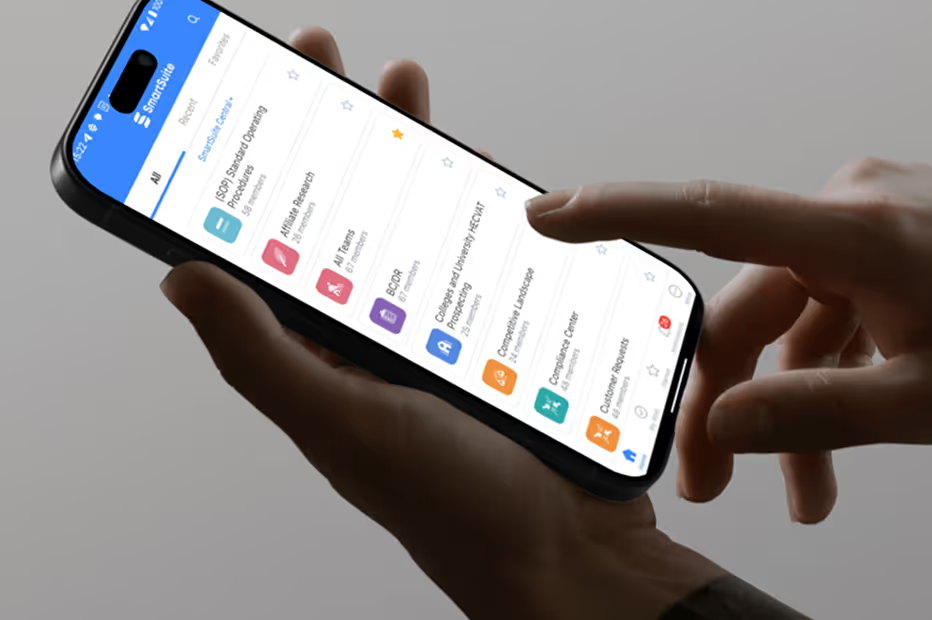
Work on the go with the SmartSuite mobile app. View, edit, and manage your workflows anytime, anywhere—right from your phone or tablet.
We'd love to hear your story. Leave a written or video testimonial to help us understand how you are using SmartSuite — and inspire future innovation.

Follow SmartSuite to stay update to date on new features, events and general announcements.
Whether things are humming along, there’s scheduled maintenance or a report of an incident, the Status area of the Help Center modal will notify you of the state of the environment. Here, you can view uptime reports and past incidents. You’re also able to subscribe to these updates via email, Slack or an Atom or RSS feed.
















.jpg)
.jpg)


.jpg)